

Almost 8 out of 10 office workers experience recurring pain in the neck, shoulders or back. The most common cause is not illness - it's poor ergonomics. Small adjustments in the workplace can dramatically reduce pain and prevent long-term problems.
In this article, we go through the correct ergonomics at the computer, mobile phone and standing - as well as when it's time to seek help.
Why ergonomics is important
When the body is stressed in the same uncomfortable position hour after hour:
- The muscles tense up and become sore
- Joints are subjected to uneven load
- Blood flow decreases in the muscles
- Nerves can get in the way
- Results: pain, stiffness and fatigue
Common consequences of poor ergonomics:
- Neck Pain
- Back pain
- Shoulder pain and mouse arm
- Headache – especially tension headaches
- Eye fatigue and dry eyes
Ergonomics at the desk - checklist
1. The chair
- Height: feet flat on the floor, knees at 90°
- Back support: supports the natural curve of the lumbar spine
- Seat depth: 2–3 fingers between the knee and the chair
- Armrest: adjusts so that the shoulders are relaxed
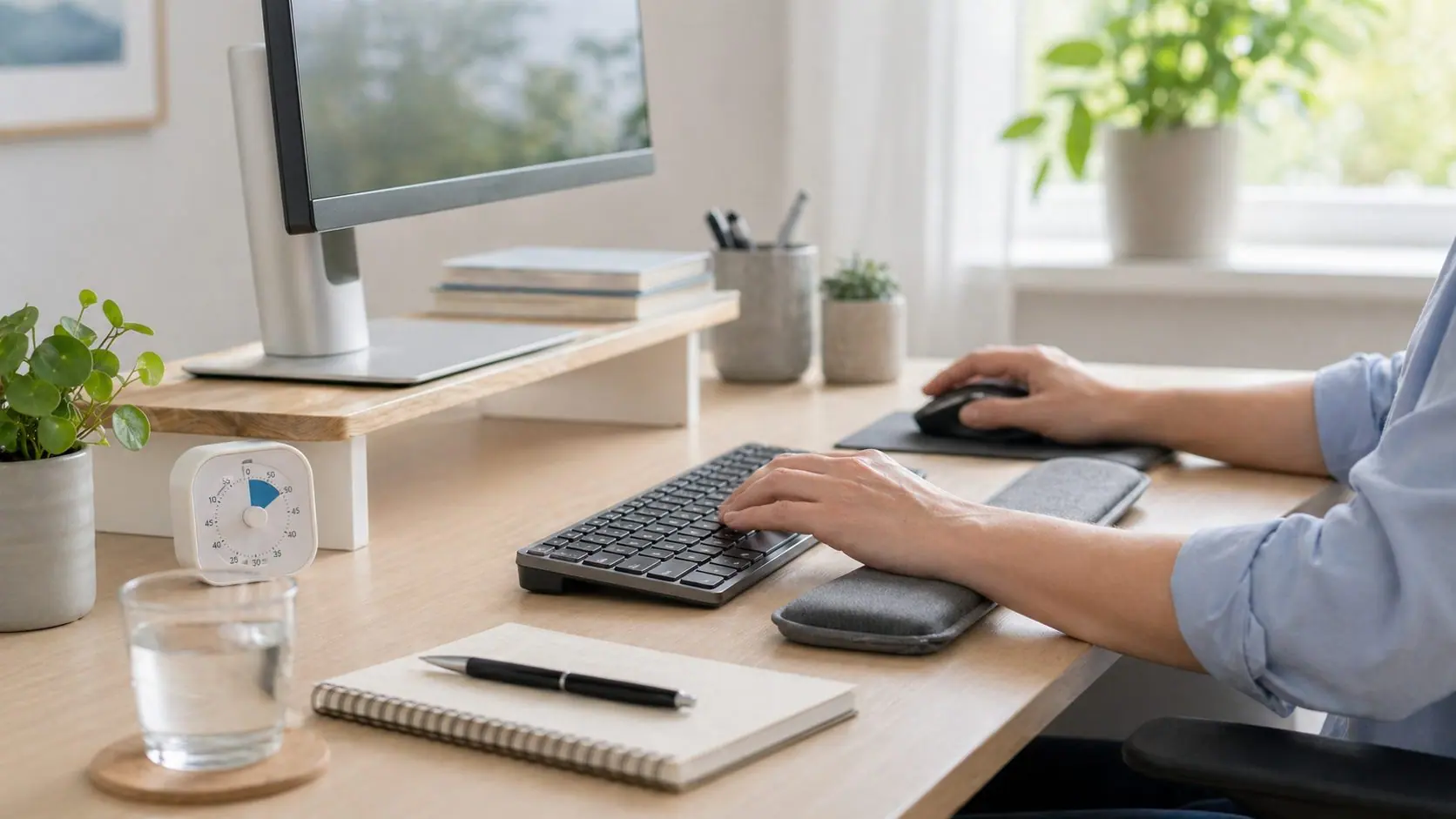
2. The desktop
- Height: forearms at 90°, parallel to the floor
- Distance to screen: 50–70 cm (approx. an arm's length)
- Sufficient space for keyboard, mouse and forearms
3. The screen
- Upper edge at eye level or just below
- Look straight ahead – no bending of the neck
- If you use a laptop: separate keyboard + laptop stand
- Two screens? Place centrally, not twisted neck
4. Keyboard and mouse
- Straight in front of the body
- Wrists in neutral position - not bent up/down
- Switch between right and left hand sometimes (reduce mouse arm)
5. Lighting
- Backlight on the screen = headache and eye strain
- Screen perpendicular to window
- Good general lighting + spot lighting if necessary
Standing desk - correct use
Standing desks are good in combination with sitting – not as the only position.
Rules
- Change position every 30-60 minutes
- When standing: weight on both feet, knees slightly bent
- Forearms at 90°
- Screen at eye level
- Anti-fatigue mat when standing
Standing all day is just as bad as sitting all day.
"Text neck" and the mobile phone
Hanging over the mobile gives "text neck" – a forward-leaning neck posture that puts heavy strain on the neck.
Each degree of bending increases the load:
- 0° = 5 kg
- 15° = 12 kg
- 30° = 18 kg
- 60° = 27 kg
Better mobile habits
- Hold the mobile at eye level
- Take breaks - stretch your neck
- Use headphones when talking, not the shoulder
- Limit mobile time - especially in the evening (also affects sleep)
Breaks and movement
Even perfect ergonomics are harmful if you sit still all day.
The 20-20-20 rule (for the eyes)
Every 20 min: look at something 20 meters away for 20 seconds.
Micro breaks
Every 30 min: stand up, stretch for 1-2 minutes. Make some moves:
- Shoulder rolls
- Neck movements (careful)
- Stretch of chest muscles
- Simple trunk rotation
Daily walks
Preferably 3 x 10 minutes outdoors – even better than a long one.
Signs that your ergonomics need to be reviewed
- Daily headache
- Pain in the neck in the afternoon
- Pain between shoulder blades
- Numbness in fingers or hand
- Backache after the working day
- Eye fatigue or double vision
- Feeling of stiffness in the body
If you have these symptoms daily, you should not only adjust the ergonomics - also seek help.
When should you see a doctor?
Contact a specialist if:
- The pain lasts more than 2-4 weeks
- You have numbness, tingling or weakness in your arms/hands
- The pain wakes you up at night
- You have a headache that won't go away
- Ergonomic changes do not help
An orthopedic or pain doctor can investigate and treat both acute and long-term conditions.
Frequently asked questions (FAQ)
Are standing desks better than sitting?
It is the combination that is best. Standing all day brings new problems - rotate between sitting and standing every 30-60 min.
Can bad ergonomics cause headaches?
Yes. Improper neck posture at the computer causes tension headaches and cervicogenic headaches. Read more about headaches every day.
What is mouse arm?
Collective name for problems in the forearm, wrist and fingers from repetitive strain. Often starts with fatigue, then aches, then numbness. Early adjustment of ergonomics and rest usually solves the problem.
Do you need an ergonomic mouse and keyboard?
Not all. In case of recurring problems in the wrist or arm, it can help. More important is the technique – neutral wrist position and regular breaks.
How often should you take a break?
At least one micro break every 30 min (1-2 min movement) and one longer break every 2 hours (5-10 min).
Do I need a referral to seek help for work-related pain?
No. At Scandinavian Health Clinic, you book an appointment directly without a referral.
Is it harmful to sit with your legs crossed?
Not in itself, but prolonged same position puts uneven load on the back and pelvis. Change your sitting position often - the most important thing is not to lock yourself in the same position hour after hour.
Do footrests under the desk help?
Yes, if your feet do not reach the floor at the right angle (knees at 90°). A footrest improves blood circulation and reduces strain on the back and neck.
Summary
Good ergonomics is not a luxury – it is preventive health care. Simple adjustments to chair, screen and break routines can completely eliminate daily discomfort. But if the pain has already set in, professional assessment is needed.
Book an appointment with a specialist at the Scandinavian Health Clinic in Mölndal - without a referral, with a short waiting time and just minutes from central Gothenburg.
📞 +46 (0) 10-147 77 40 ✉️ [email protected]
Book an appointment - contact us → Pain & Orthopedics → Read about neck pain → Read about back pain → Read about shoulder pain → Read about tennis elbow & mouse arm → Read about headaches every day → Read about stress → Read about chronic pain →


